 Adult
Every adult deadline. One app.
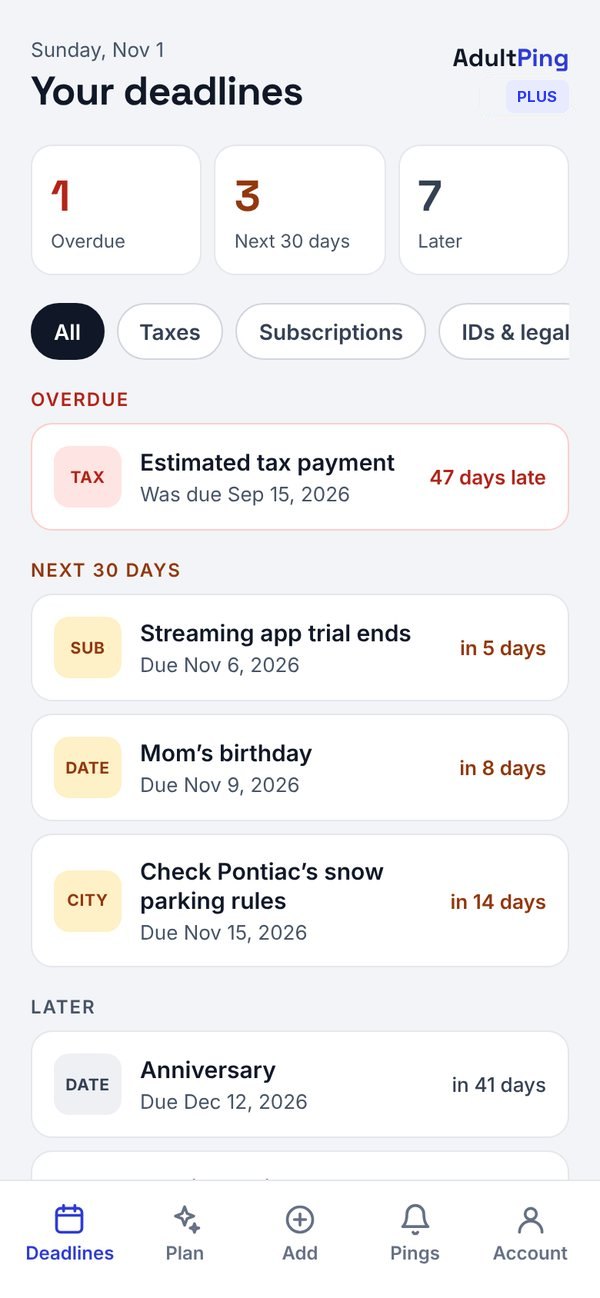
Taxes, insurance, car, home, health, birthdays, and the stuff nobody reminds you about. Pick your state and ZIP, and Adult Ping fills in your federal, state and local dates, then pings you before each one.
Already using the app? Sign in to see your plan and manage your account.
The reminders adulthood forgot to give you.
Your state and city, filled in
Federal deadlines and state income tax dates for all 50 states and DC, plus city taxes and local rules where we have them (starting with Michigan). Each date shows whether it's verified from an official source.
Pinged before it bites
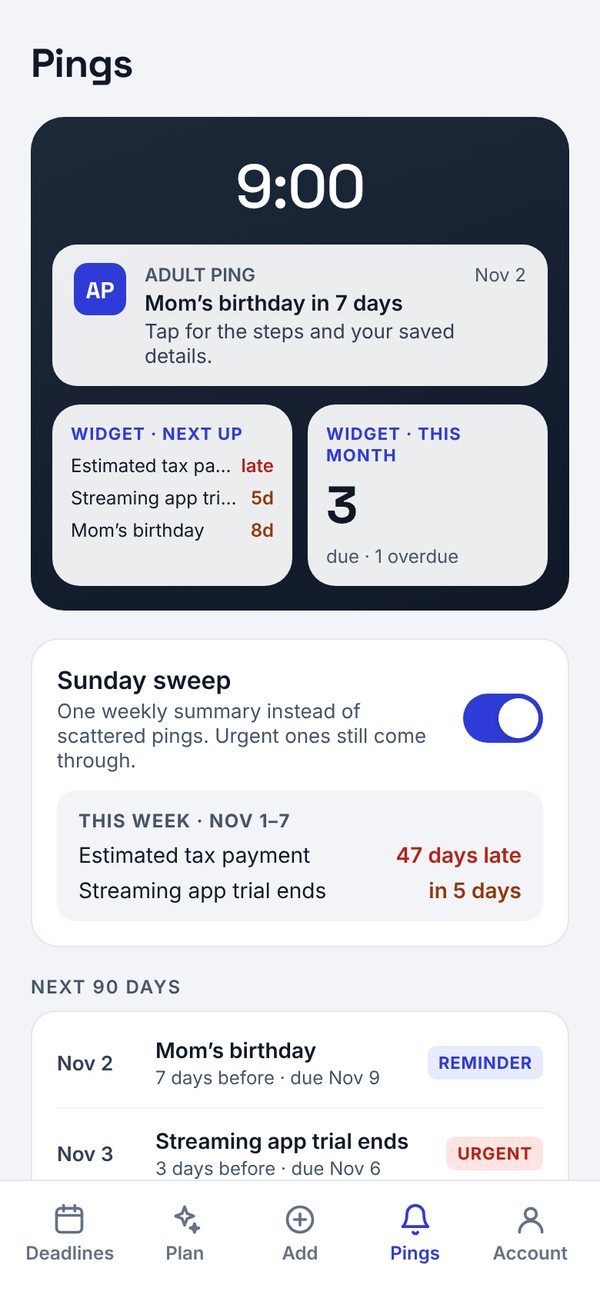
Each deadline gets a sensible run of pings, from a heads-up weeks out to the day itself. Pick your ping time, snooze a week, or fold the non-urgent ones into one Sunday summary.
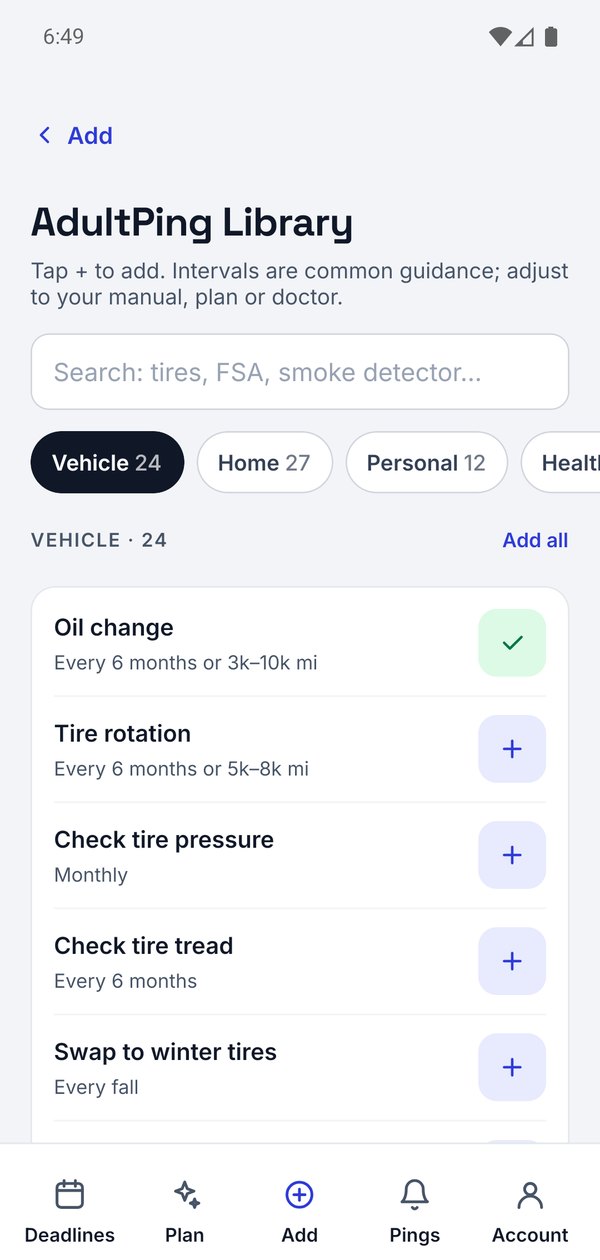
146 things adults forget
Oil changes, furnace filters, smoke detectors, dental cleanings, FSA deadlines and more, with how often to do each one. Tap + and it repeats on its own.
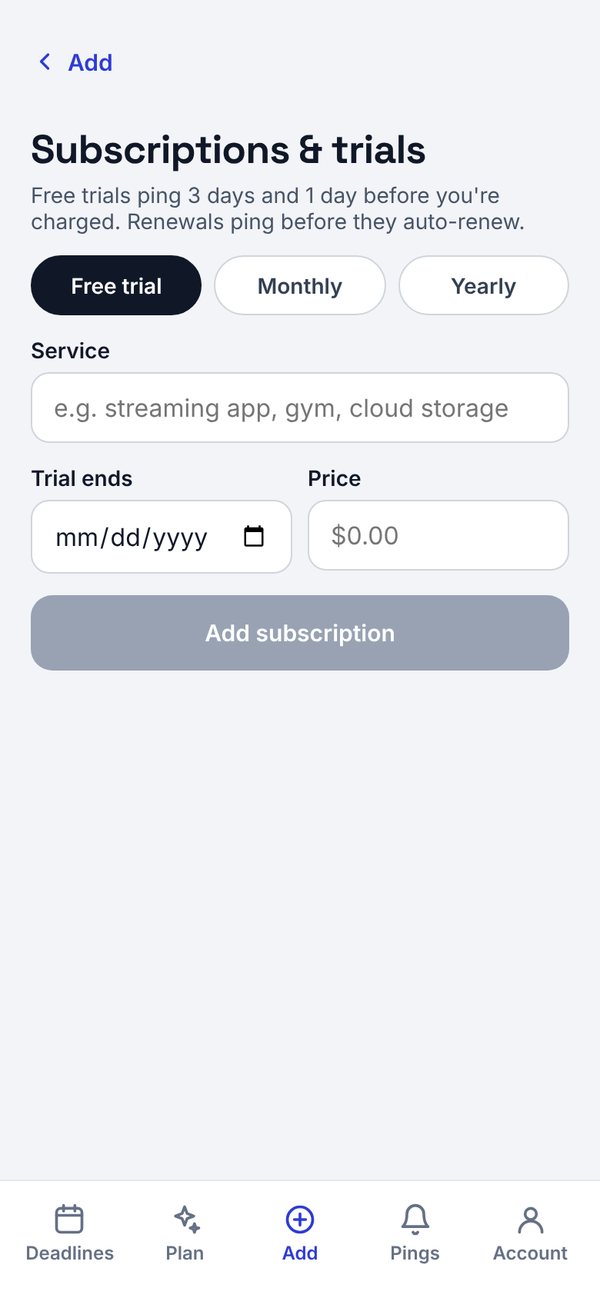
Birthdays, subscriptions, free trials
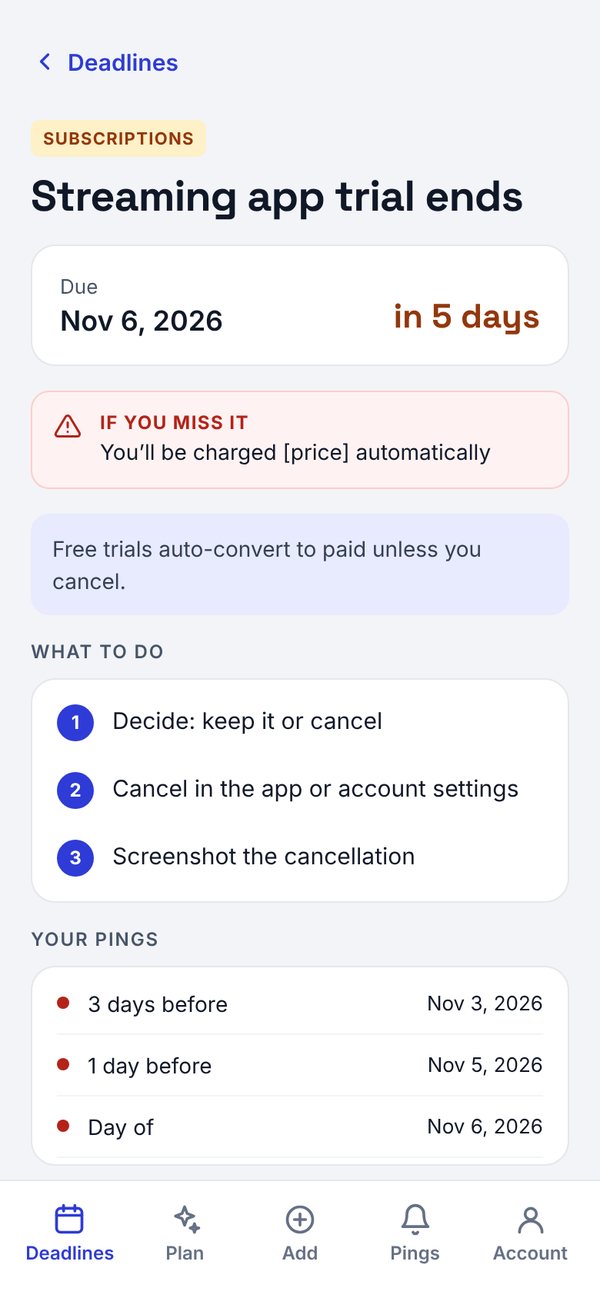
A gift ping a week before birthdays. A ping before each renewal, and 3 days before a free trial starts charging you.
Your own dates
Driver's license, passport, lease and insurance renewals use the date on your own document. Set it once and it moves to the next cycle when you mark it done.
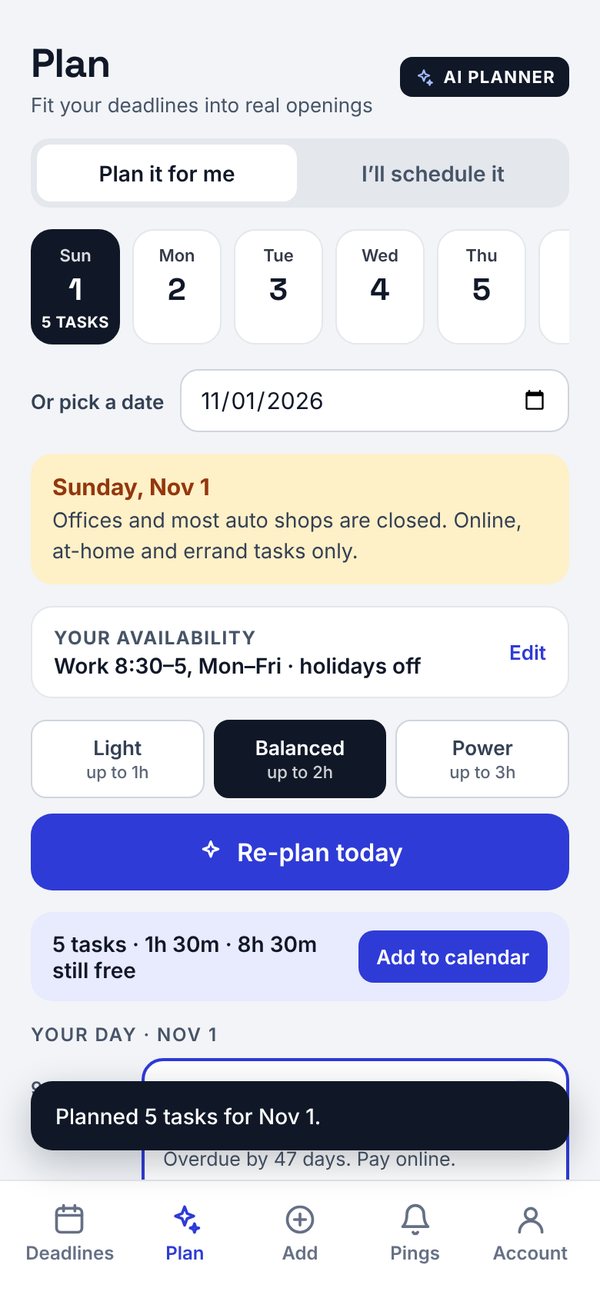
Fit it into your day
Schedule tasks into real openings around work, with office hours and holidays in mind. Plus can plan the day for you.
Snap it. We'll remember it.
Take a photo of a bill, policy, registration or lease. Adult Ping reads the dates, you check them, and the reminders are set. Photos are processed to read dates, then deleted.
Made with AI. She isn’t real, but her pile of sticky notes is painfully relatable.
Your deadlines stay on your phone.
Reminders are scheduled on your device and work with no signal. We don't sell your data or use it for ads.
Start free. Keep what works.
New accounts get 60 days of Basic free, no card needed. Plus features are paid from day one. When the trial ends, reminders pause until you choose a plan; your saved items stay on your phone.
Basic
Core reminders, for you
- Every built-in federal, state and local deadline
- Unlimited library items, birthdays and subscriptions
- Push pings and the Sunday sweep
- Manual day scheduling
Plus
Most popularEverything, including AI
- Everything in Basic
- AI scan for policies, registrations and receipts
- AI day planner
- Life-event checklists (moving, new job, new baby…)
- Add a whole library category at once
Household
Coming soonEverything in Plus, for up to 6 people
- Shared deadlines with assigned owners
- Each person gets their own pings
Prices in USD. Subscriptions are billed through the App Store or Google Play, renew automatically unless cancelled at least 24 hours before the period ends, and are managed in your store account. Deleting the app doesn't cancel a subscription.
Run a local business? Get found as a pro.
When someone opens a reminder like "Oil change" or "Furnace tune-up", they can tap Find a pro near you. Well-reviewed local businesses appear there, with sponsored spots available.
Questions
Does Adult Ping file or pay anything for me?
No. It's a reminder tool only. It doesn't file, pay, renew or complete anything, and whether a task gets done is up to you. Always confirm dates with the official agency, insurer or provider.
Which states are covered?
All 50 states and DC for state income tax dates, plus federal deadlines. City and county rules are added area by area, starting with Michigan. Where we don't have local data, the app says so.
What happens when the free trial ends?
Reminders pause until you pick a plan. Nothing is deleted: your deadlines, dates and subscriptions stay on your phone.
Can I use it on more than one phone?
Your deadlines live on the phone you set them up on. Sign in on a new phone and your account and plan come with you; use Export my data in Account to keep a copy of your items.
How do I delete my account?
In the app: Account → Delete account. You can also sign in here, or see how to delete without the app.